

Download Petal Mail APK – email client, Huawei email, Petal Mail, Gmail alternative, email app, secure email, mobile email, cloud email
Overview
Petal Mail is a dedicated email client designed specifically for users of Huawei devices. Developed by Huawei Technologies Co. Ltd., it serves as a functional alternative to mainstream email platforms like Gmail and Outlook, particularly for those affected by the absence of Google services on certain Huawei hardware.
The application enables users to send, receive, and manage emails across multiple accounts, supporting standard features such as email threading, attachments, CC/BCC, and folder organization. It integrates with Huawei’s cloud infrastructure, allowing seamless synchronization of messages across Huawei smartphones, tablets, and other compatible devices. This ecosystem-driven approach enhances user experience for those invested in Huawei’s product lineup.
Petal Mail also functions as a central hub for Huawei ID authentication, allowing users to leverage their Petal Mail address for access to other Huawei services. The app is currently in beta testing, which means its stability and feature completeness may evolve over time. Despite this, it demonstrates a clear focus on security, real-time notifications, and usability, making it a practical solution for users seeking a reliable, locally optimized email experience.
Key Features & Capabilities
- Multi-Account Support – Users can add and manage multiple email accounts, including Gmail, Yahoo, Outlook, and other standard providers, all from a single interface.
- Cloud Synchronization – Powered by Huawei cloud technologies, messages and settings are synced across Huawei devices, ensuring consistent access regardless of the device used.
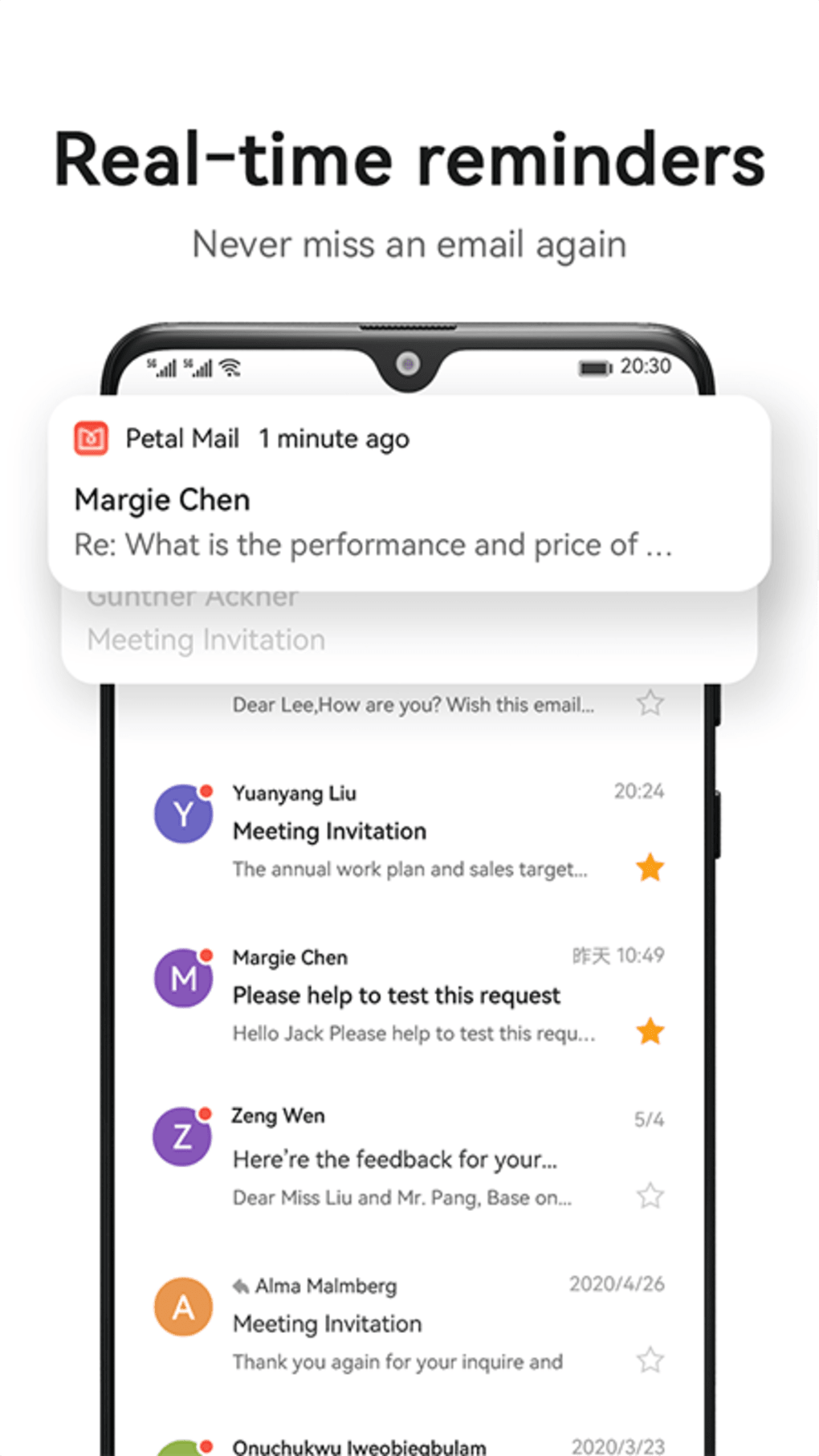
- Real-Time Notifications – Instant alerts for incoming emails help users stay responsive, reducing the risk of missing important messages.
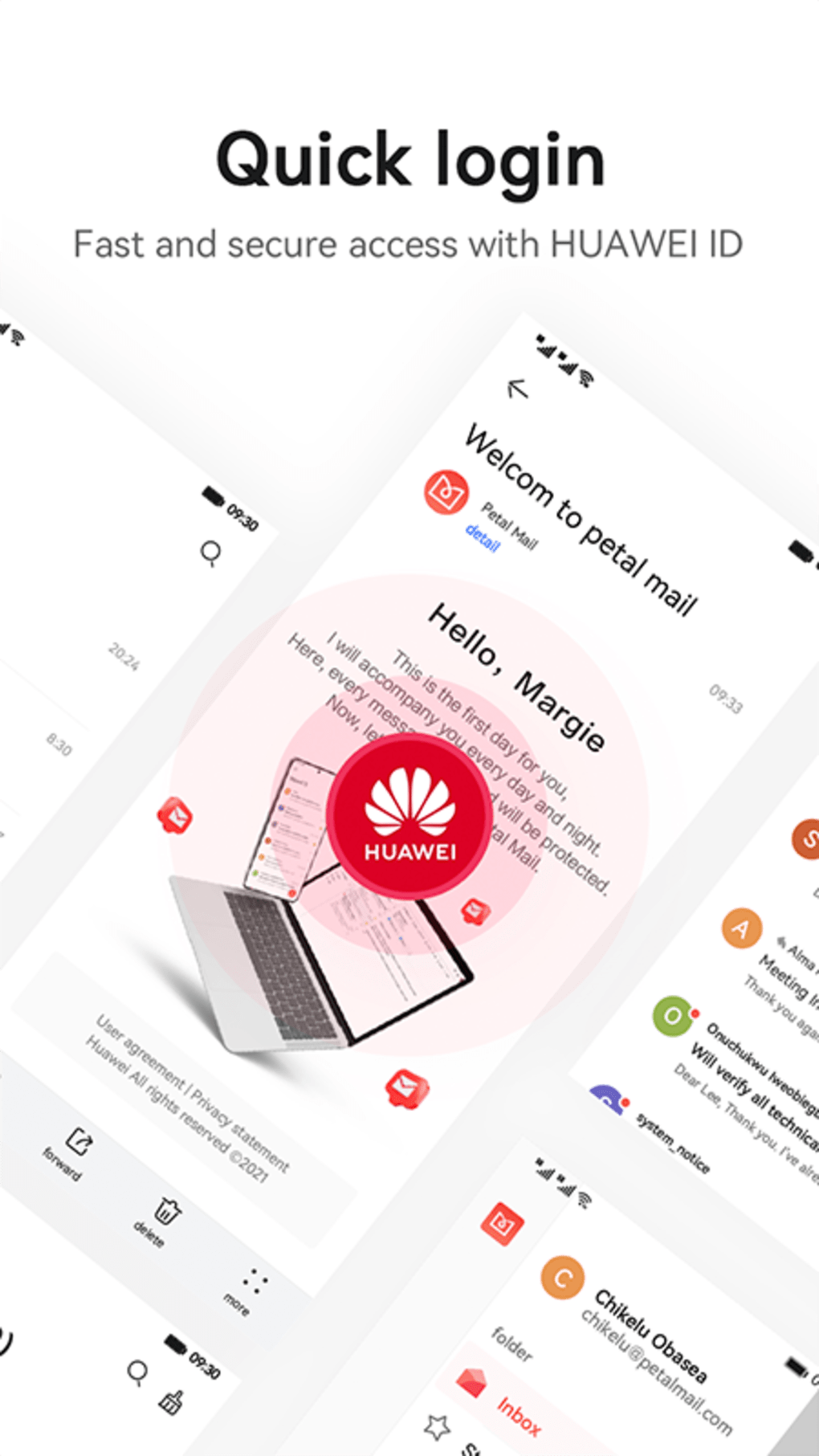
- Secure Authentication – Login options include Face Recognition, Fingerprint ID, and SMS verification tied to the Huawei ID, enhancing account security.
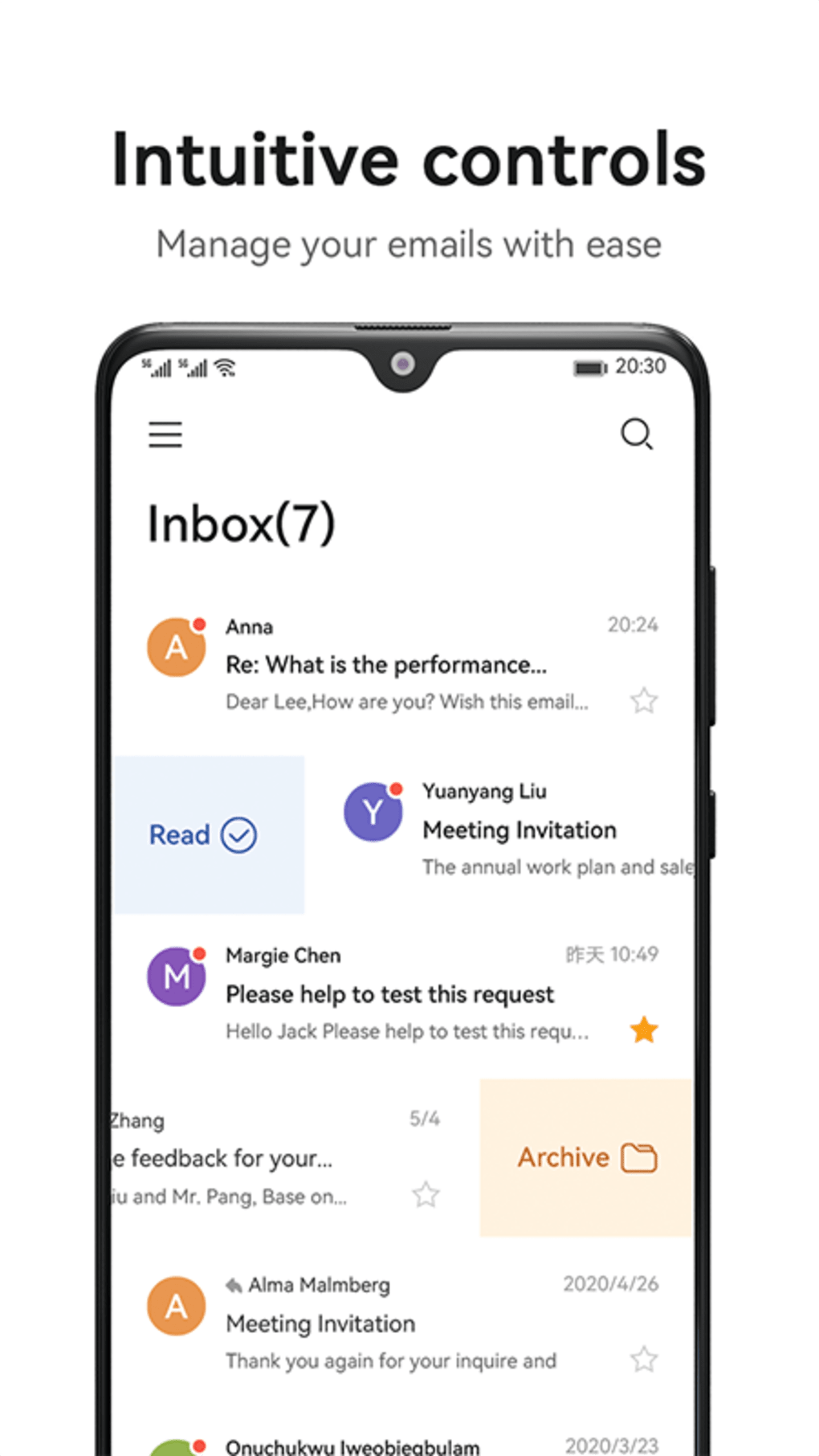
- Intuitive Email Management – Features such as swipe gestures, star, archive, and folder organization (Spam, Trash, Drafts, Sent) allow for efficient inbox control.
- Ecosystem Integration – Petal Mail is designed to work seamlessly with other Huawei services like Petal Search and Petal Maps, creating a unified user experience.
User Interface, Workflow & Performance
The user interface of Petal Mail presents a clean, modern design with minimal visual clutter, emphasizing usability and accessibility. Navigation is straightforward, with a bottom navigation bar providing quick access to core sections such as Inbox, Drafts, Sent, Spam, and Trash. The layout supports gesture-based actions—swiping left or right to archive, delete, or mark messages—streamlining daily email management.
The workflow is optimized for touch interaction, making it suitable for both casual and frequent users. While the developer did not specify resource usage details, the application’s lightweight size of 15.5 MB suggests efficient memory and storage utilization. Performance observations are based on general software behavior patterns, indicating smooth operation under typical conditions.
However, as the app is currently in beta, users may encounter occasional instability or minor bugs. No specific reports on CPU or RAM behavior were provided, but the app’s design suggests it is tuned for Huawei’s hardware ecosystem. Overall, the interface prioritizes clarity and responsiveness, aligning with modern mobile UX standards.
Compatibility & System Requirements
Petal Mail is designed to run on Android operating systems and is optimized for Huawei’s latest smartphones and tablets. The application is available exclusively through the AppGallery, Huawei’s official app store, and is not accessible via Google Play or other third-party platforms. The current version is 1.0.0, with a file size of 15.5 MB, indicating a compact installation footprint.
Exact system requirements were not listed, but compatibility is likely aligned with Huawei’s recent device specifications. The developer did not provide additional system requirements, and no information was given regarding minimum RAM, processor speed, or storage capacity. Platform compatibility information is limited to Android, with no indication of support for other operating systems.
Users are advised to ensure their device is running a compatible Android version to avoid installation issues.
Pros and Cons
Pros
- Exclusive support for Huawei devices and ecosystem integration
- Real-time email notifications for timely message access
- Secure login options including biometrics and SMS
- Support for multiple email accounts from various providers
- Lightweight size (15.5 MB) with minimal storage impact
- Free to download and use via AppGallery
Cons
- Currently in beta testing, which may affect stability
- Not available on Google Play or other third-party app stores
- Limited public information on system requirements
- May not support all advanced email features found in mature clients
- Dependent on Huawei cloud infrastructure, limiting cross-platform flexibility
FAQ Section
Is Petal Mail available for non-Huawei devices?
Petal Mail is primarily designed for Huawei devices and is currently distributed exclusively through the AppGallery. There is no official support or availability for non-Huawei Android devices.
Can I use Petal Mail with my Gmail or Outlook account?
Yes, Petal Mail supports multiple email accounts, including Gmail, Yahoo, Outlook, and other standard email providers, allowing users to manage all their inboxes in one place.
Is Petal Mail safe to use?
The app is developed by Huawei Technologies Co. Ltd. and includes secure authentication methods such as Face Recognition, Fingerprint ID, and SMS verification. It is designed to provide a secure and reliable email experience.
How do I update Petal Mail?
Updates are delivered through the AppGallery. Users should check the AppGallery regularly to ensure they are running the latest version.
Does Petal Mail require an internet connection?
Yes, Petal Mail requires an active internet connection to send, receive, and sync emails. Offline access to previously downloaded messages may be available, but full functionality depends on connectivity.
Final Thoughts + CTA
Petal Mail represents a strategic and well-executed response to the challenges faced by Huawei device users in the wake of restricted access to Google services. As a lightweight, secure, and feature-rich email client, it offers a compelling alternative to established platforms like Gmail. Its integration with Huawei’s cloud and ecosystem enhances usability for loyal users, while real-time notifications and multi-account support ensure productivity.
Although still in beta, the app demonstrates strong potential and a clear commitment to user experience. For Huawei device owners seeking a reliable, free, and secure email solution, Petal Mail is a must-try. While it may not yet match the maturity of long-standing clients, its foundation is solid.
Download Petal Mail now and experience a seamless, ecosystem-driven email experience tailored for Huawei users.





.png)

